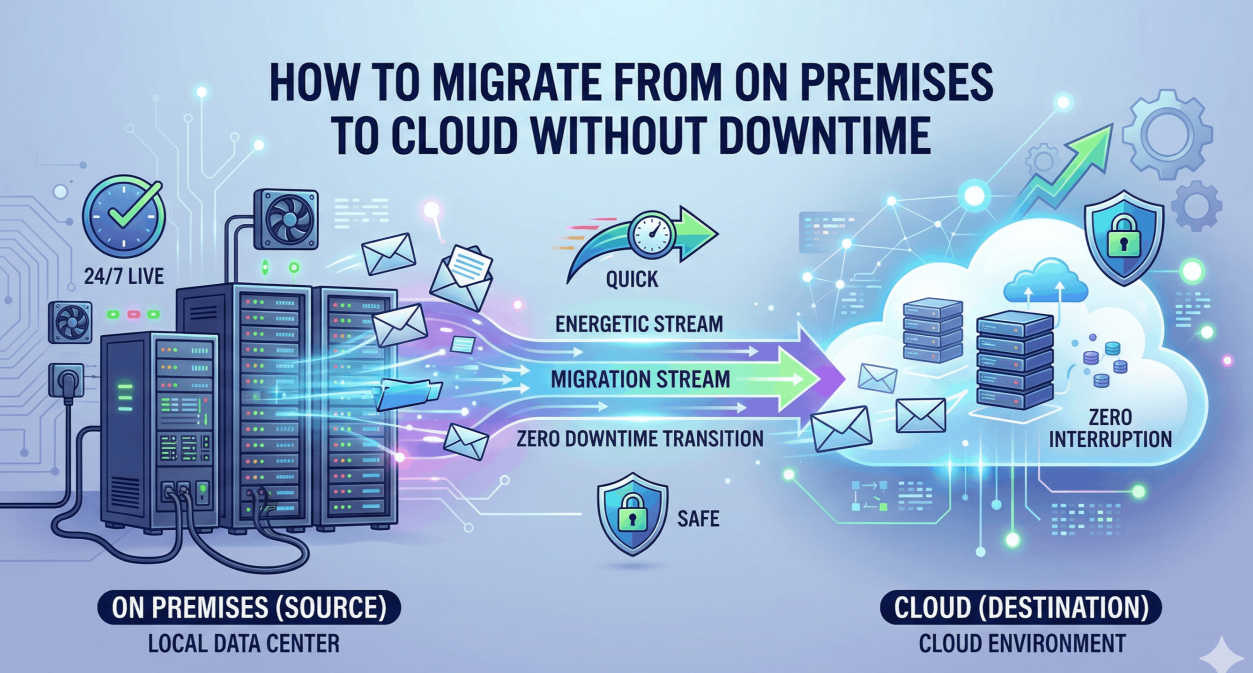
In today’s digital-first world, businesses and individuals alike are increasingly shifting from traditional on-premise storage systems to cloud-based solutions. Cloud migration is no longer just a trend—it is a necessity for organizations seeking scalability, flexibility, cost-efficiency, and enhanced security.
However, migrating data to the cloud is not as simple as dragging and dropping files into a new environment. Without proper planning and execution, it can lead to data loss, security vulnerabilities, downtime, and compliance issues.
This comprehensive guide will walk you through how to migrate your data to the cloud safely and efficiently, ensuring a smooth transition while minimizing risks.
What Is Cloud Migration?
Cloud migration refers to the process of transferring data, applications, and IT resources from on-premises infrastructure or legacy systems to a cloud computing environment.
There are several types of cloud migration, including:
- On-premises to public cloud
- On-premises to private cloud
- Cloud-to-cloud migration
- Hybrid cloud transitions
Each type requires a tailored strategy depending on business needs, data sensitivity, and regulatory requirements.
Benefits of Cloud Data Migration
Before diving into the process, it’s important to understand why cloud migration is beneficial:
1. Scalability
Cloud platforms allow you to scale resources up or down based on demand, eliminating the need for expensive hardware upgrades.
2. Cost Efficiency
You only pay for the resources you use, reducing capital expenditure and operational costs.
3. Improved Accessibility
Data can be accessed from anywhere, enabling remote work and collaboration.
4. Enhanced Security
Modern cloud providers offer advanced security features such as encryption, identity management, and automated monitoring.
5. Disaster Recovery
Cloud systems often include built-in backup and recovery solutions, ensuring business continuity.
Key Challenges in Cloud Migration
Despite its advantages, cloud migration comes with several challenges:
- Data security risks
- Downtime during migration
- Compatibility issues
- Compliance and regulatory concerns
- Unexpected costs
Understanding these challenges is the first step toward mitigating them effectively.
Step-by-Step Guide to Safe and Efficient Cloud Migration
Step 1: Assess Your Current Infrastructure
Start by evaluating your existing IT environment:
- Identify all data assets
- Classify data based on sensitivity
- Analyze dependencies between applications
- Determine storage requirements
This assessment helps you decide what to migrate, what to archive, and what to discard.
Step 2: Define a Clear Migration Strategy
There are several cloud migration strategies, often referred to as the “6 Rs”:
- Rehosting (Lift and Shift) – Move data without major changes
- Replatforming – Make minor optimizations
- Refactoring – Redesign applications for cloud-native features
- Repurchasing – Switch to SaaS solutions
- Retiring – Remove obsolete systems
- Retaining – Keep certain systems on-premises
Choose the strategy that aligns with your business goals.
Step 3: Choose the Right Cloud Provider
Selecting the right cloud provider is crucial. Consider:
- Security features
- Compliance certifications
- Pricing structure
- Performance and uptime guarantees
- Customer support
Also evaluate whether a multi-cloud or hybrid cloud approach suits your needs better.
Step 4: Develop a Migration Plan
A well-structured migration plan should include:
- Timeline and milestones
- Resource allocation
- Risk management strategies
- Backup and recovery plans
Break the migration into smaller phases to reduce complexity and risk.
Step 5: Ensure Data Security and Compliance
Security should be a top priority during migration. Implement:
- Data encryption (both in transit and at rest)
- Access controls and identity management
- Multi-factor authentication (MFA)
- Regular security audits
Additionally, ensure compliance with regulations such as GDPR, HIPAA, or other local data protection laws.
Step 6: Backup Your Data
Before starting the migration, always create a complete backup of your data.
This ensures that:
- You can recover lost data if something goes wrong
- You maintain a fallback option
- You avoid irreversible data loss
Step 7: Test the Migration Process
Testing is essential to identify potential issues before full deployment.
- Perform pilot migrations
- Test application performance
- Validate data integrity
- Simulate real-world scenarios
Testing minimizes unexpected disruptions.
Step 8: Execute the Migration
Once everything is ready:
- Begin with non-critical data
- Monitor the process in real-time
- Use automated migration tools when possible
- Keep stakeholders informed
Avoid migrating everything at once—gradual migration reduces risk.
Step 9: Validate and Optimize
After migration:
- Verify data accuracy and completeness
- Check application functionality
- Optimize cloud configurations
- Monitor performance metrics
This ensures that your cloud environment is running efficiently.
Step 10: Train Your Team
Cloud environments often require new skills and workflows.
Provide training on:
- Cloud management tools
- Security best practices
- Data governance policies
A well-trained team ensures long-term success.
Best Practices for Cloud Migration
1. Start Small
Begin with less critical workloads before moving core systems.
2. Use Automation Tools
Automation reduces human error and speeds up migration.
3. Monitor Costs Closely
Track usage to avoid unexpected expenses.
4. Maintain Documentation
Keep detailed records of configurations, processes, and changes.
5. Prioritize Security from Day One
Do not treat security as an afterthought.
Common Mistakes to Avoid
1. Lack of Planning
Jumping into migration without a strategy can lead to chaos.
2. Ignoring Security Risks
Failing to secure data can result in breaches.
3. Underestimating Costs
Hidden costs can arise if resources are not managed properly.
4. Migrating Everything at Once
This increases the risk of downtime and failure.
5. Not Testing Thoroughly
Skipping testing can cause critical failures post-migration.
Tools for Cloud Data Migration
There are various tools available to simplify migration:
- Data transfer tools
- Backup and recovery software
- Cloud-native migration services
- Third-party automation platforms
Choose tools that align with your technical requirements and budget.
Cloud Migration Strategies for Different Use Cases
Small Businesses
- Focus on cost-effective solutions
- Use SaaS platforms
- Migrate gradually
Enterprises
- Implement hybrid or multi-cloud strategies
- Use advanced automation tools
- Ensure strict compliance measures
Developers
- Optimize applications for cloud-native architecture
- Use containers and microservices
- Focus on scalability and performance
Security Considerations in Cloud Migration
Security is one of the most critical aspects of cloud migration.
Data Encryption
Ensure all sensitive data is encrypted both during transfer and storage.
Identity and Access Management (IAM)
Control who has access to your data and systems.
Network Security
Use firewalls, VPNs, and secure network configurations.
Continuous Monitoring
Implement real-time monitoring to detect threats early.
Cost Optimization Tips
To keep your cloud migration cost-efficient:
- Use pay-as-you-go pricing models
- Avoid over-provisioning resources
- Monitor usage regularly
- Optimize storage and compute resources
Future Trends in Cloud Migration
Cloud migration continues to evolve with new technologies:
AI-Powered Migration
Artificial intelligence is being used to automate and optimize migration processes.
Edge Computing
Data processing closer to the source reduces latency.
Multi-Cloud Strategies
Organizations are increasingly using multiple cloud providers to avoid vendor lock-in.
Serverless Architecture
Reduces infrastructure management and improves scalability.
Conclusion
Migrating your data to the cloud can unlock numerous benefits, from improved scalability to enhanced security and cost savings. However, success depends on careful planning, strategic execution, and continuous optimization.
By following the steps outlined in this guide—assessing your infrastructure, choosing the right strategy, prioritizing security, and testing thoroughly—you can ensure a safe and efficient cloud migration process.
Remember, cloud migration is not a one-time event but an ongoing journey. Continuously monitor, optimize, and adapt your cloud environment to meet evolving business needs.
FAQs
1. How long does cloud migration take?
It depends on the size and complexity of your data and systems. It can range from a few days to several months.
2. Is cloud migration secure?
Yes, if proper security measures such as encryption and access control are implemented.
3. What is the biggest risk in cloud migration?
Data loss and security breaches are among the biggest risks.
4. Can I migrate without downtime?
Yes, using phased migration and replication strategies can minimize or eliminate downtime.
5. Do I need experts for cloud migration?
While small migrations can be handled internally, complex projects often require professional expertise.